SBW Pathfinder
v2.0 T4, v1.0 T3
- S3
- Sport
- Galaxy
paid
View watchface in Samsung Store Send Link
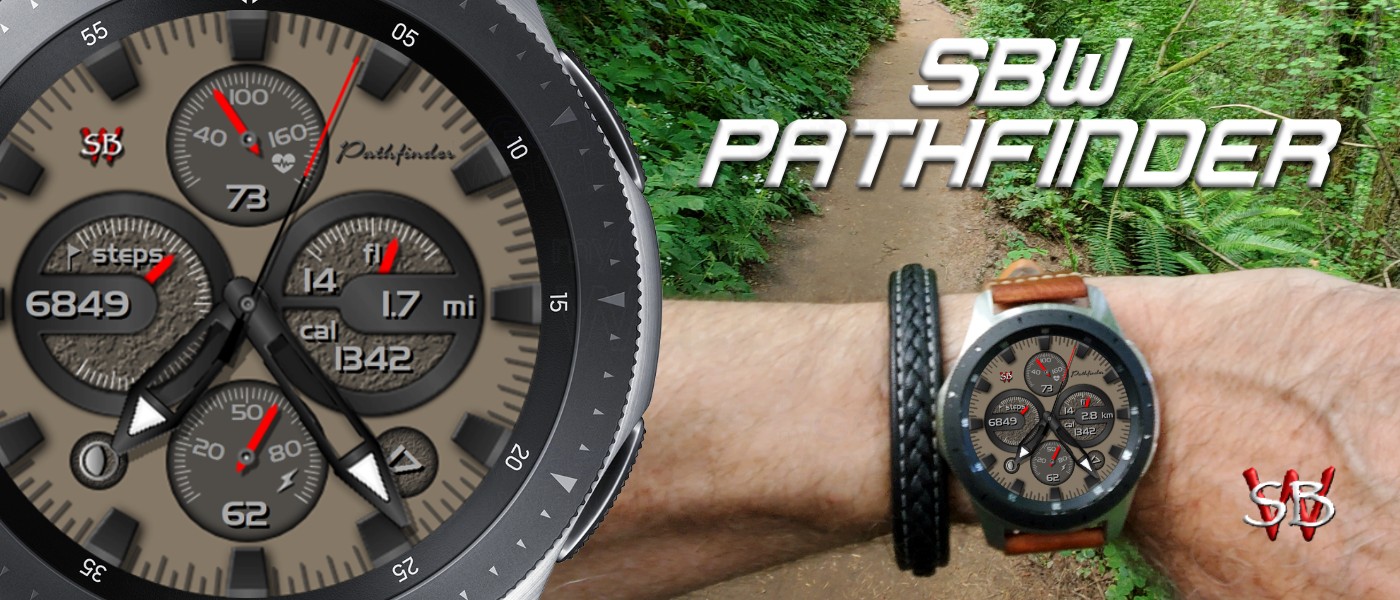
SBW Pathfinder
FEATURES:
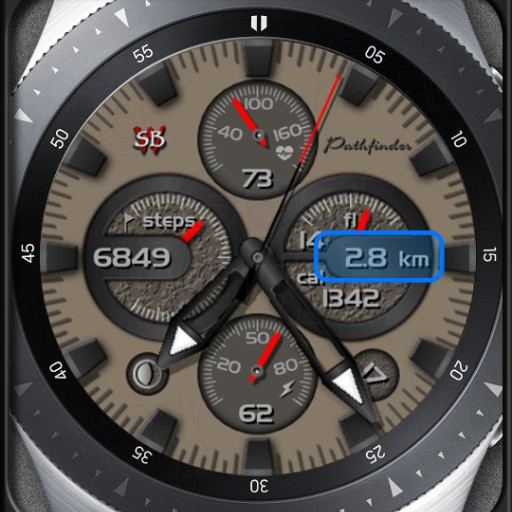
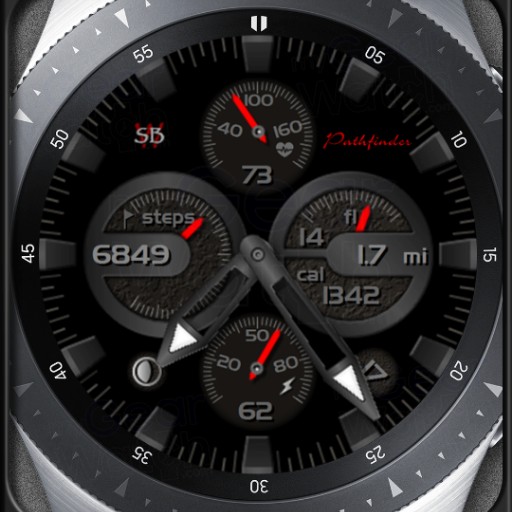
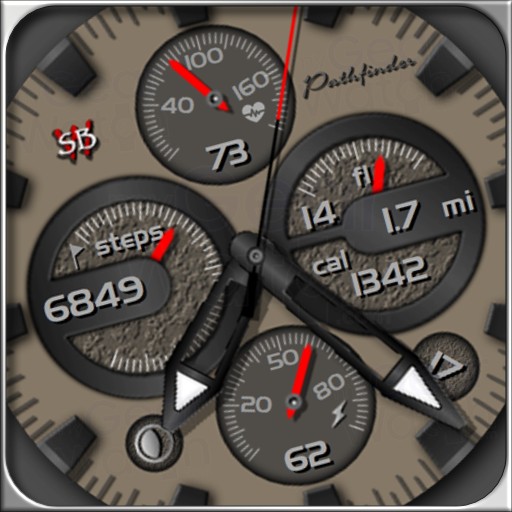
AOD mode for Galaxy Watch and Gear series
Battery percentage dial and display
Heart rate dial and display
Step count dial and display
Floors count dial and display (see note 2)
kCal display
Date display
Distance display with auto units km and miles (see note 1)
Moon phase
SINGLE TAP ACTIONS:
Tap the battery dial for battery status
Tap the HR dial for bpm measurement
Tap the steps for SHealth steps
Tap the floors dial for SHealth floors
Tap the kCal display for SHealth
Tap the date for schedule
Tap the moon phase for weather
Note 1: Distance Display
Auto units works by reading the SHealth settings for distance
units and changes automatically. Setting to km in the SHealth
settings (on your phone), changes the watch to display to km.
Setting to miles in the SHealth settings (on your phone),
changes the watch display to show miles.
On phone: SHealth->Settings->Units of Measurement->Distance
Note 2: Floors Count
Floors count only works with S3 and Sport versions. Samsung has
not implemented this feature for the S2. S2 will display a "0"
for floors count.
Follow SBWatchfaces on...
SBWatchfaces Samsung seller page:
http://galxy.us/sbw
MeWe:
https://mewe.com/join/sbwatchfaces
MyGearWatch:
https://www.mygearwatch.com/developers/SBWatchfaces
Facebook:
https://www.facebook.com/sbwatchfaces/
Instagram:
https://www.instagram.com/sbwatchfaces/
[Required access permissions]
Location: To find a connectable nearby device and connect your Watch
using Bluetooth.
Storage: To exchange stored files with your Watch.
[Optional access permissions]
Contacts: To use your registered Samsung Account information and
provide services that must be synced with your account.
Sensors: To access SHealth data.
Other SBW Pathfinder Images